Checking Your Ledger
Understand every charge, payment, and credit on your account.
Your Ledger tab is the full, itemized history behind your balance — every charge, payment, and credit that's ever hit your account, in order.
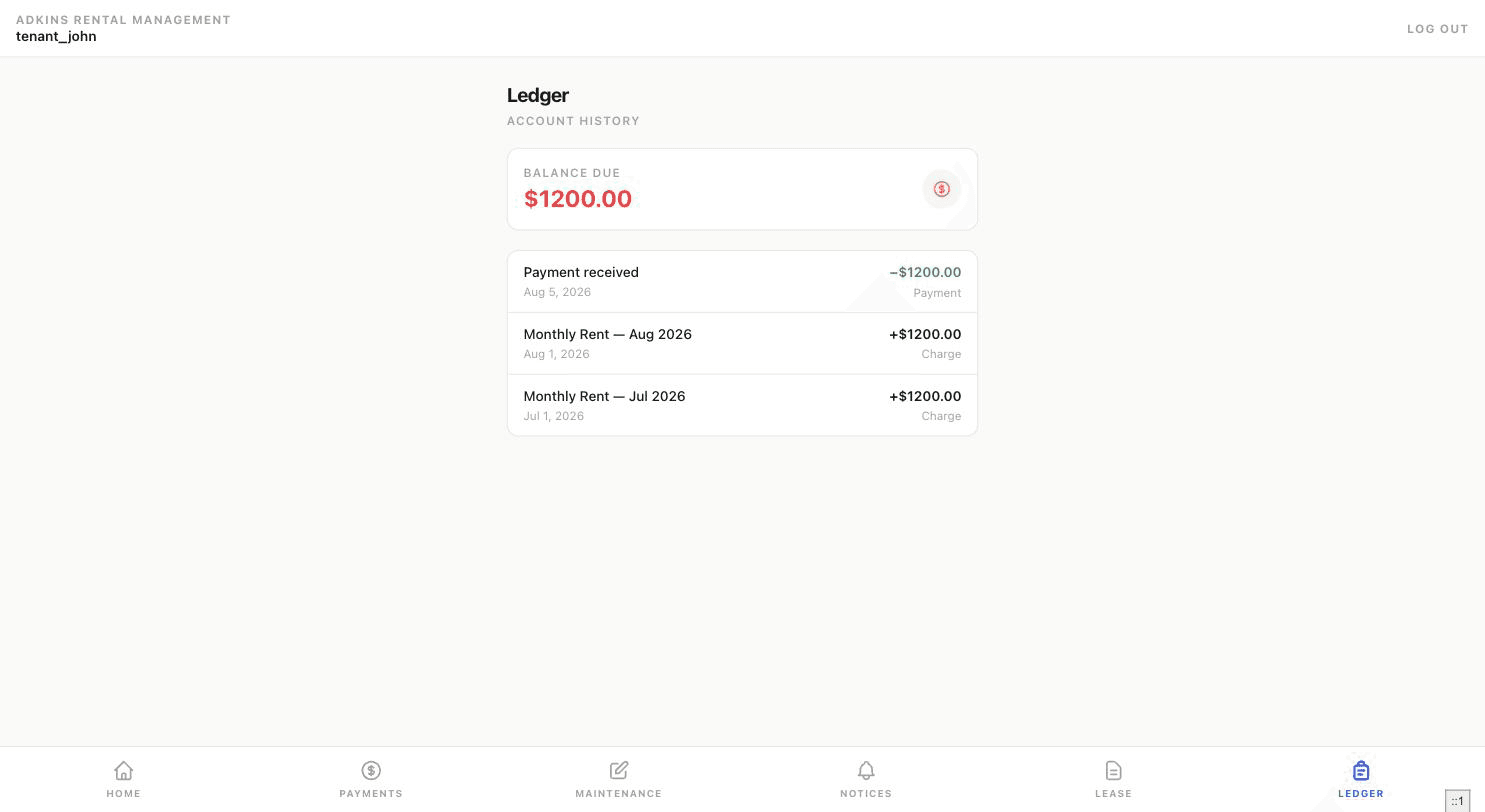
Reading the summary card
At the top, one of three states: Balance Due (shown in red — you owe money), Credit (shown in green — you're ahead), or Paid in Full.
Reading a line item
Each entry shows a description, a date, and a signed amount — positive for charges, negative for payments and credits — along with a type label: Payment, Credit, Late Fee, Deposit Return, or Charge.
Tenant view
This is the same data your landlord sees on their side in your tenant ledger — if a charge looks wrong, use the Contact Landlord option on your Payments page to ask about it directly.