Viewing Notices and Your Lease
Read announcements from your landlord, and review or e-sign a lease renewal.
Notices
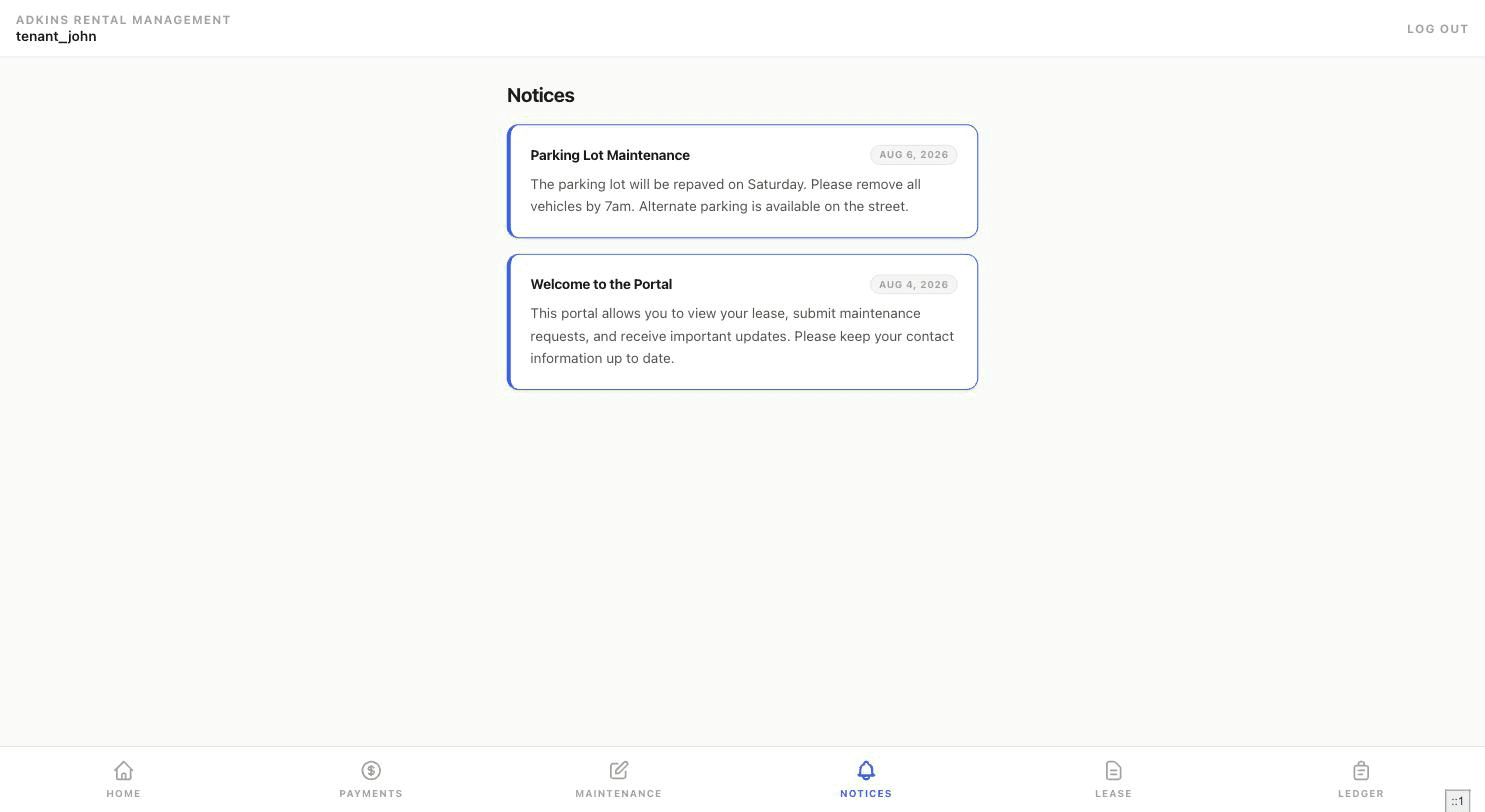
Your Notices tab is a read-only feed of announcements from your landlord — building-wide updates as well as anything sent specifically to you, newest first.
Your Lease
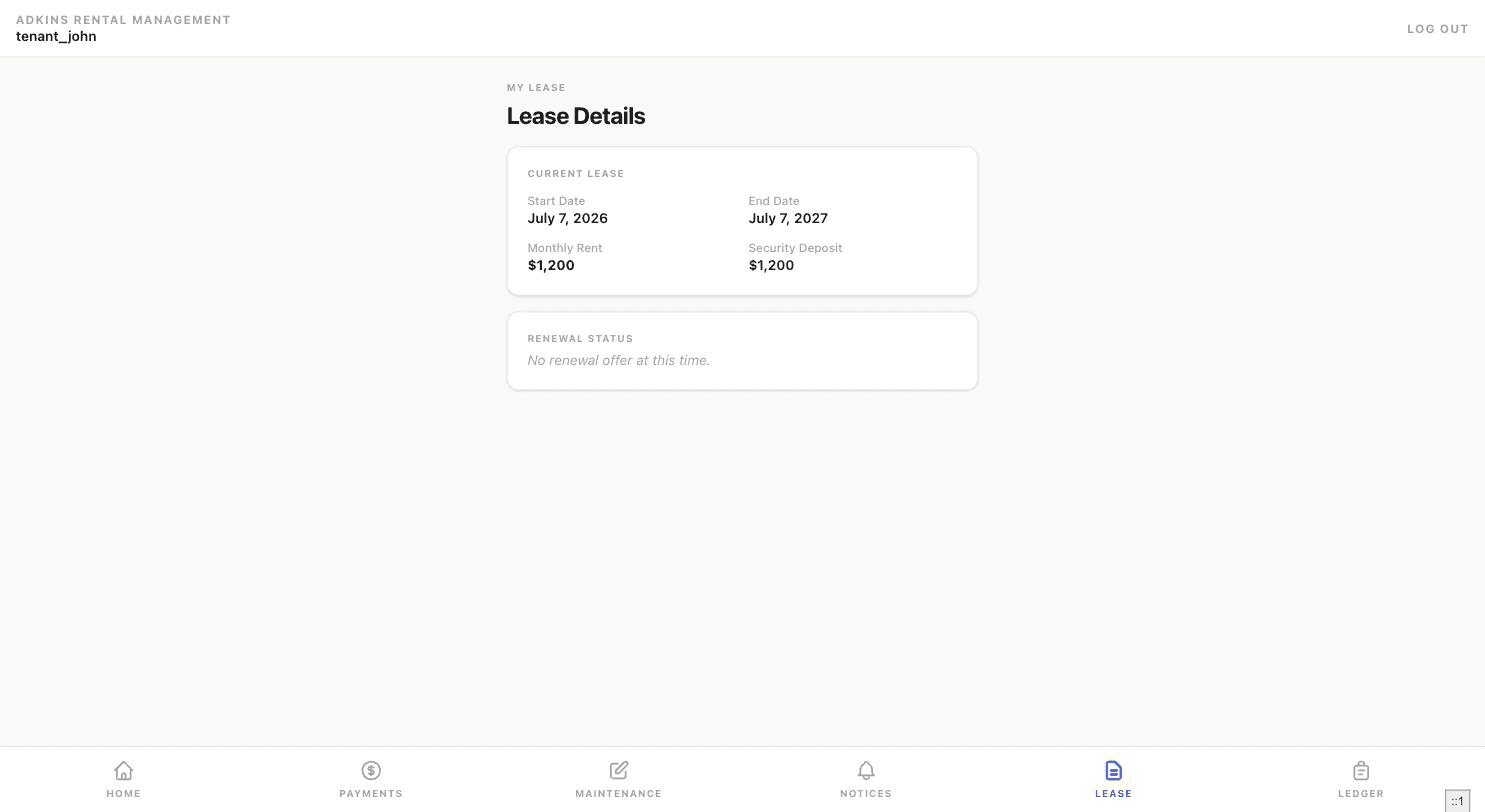
The Lease tab shows your current lease's start/end dates, monthly rent, and security deposit.
Responding to a renewal offer
If your landlord has proposed a renewal, it appears right here with the proposed end date and rent, and a link to review the renewal document if one was attached.
- 1Read the termsProposed End Date and Proposed Rent are shown clearly before you do anything.
- 2Type your full legal name to signThis acts as your e-signature — the Accept button stays disabled until you've typed something in that field.
- 3Accept or DeclineAccepting immediately updates your lease to the new terms. Declining asks you to confirm first, since it can't be undone from your side afterward.
Tenant view
Once you've responded, this section shows the outcome — including your recorded signature and the date, if accepted — instead of the original offer.