Tenant Profiles: Viewing, Editing, and Deactivating
What's in a tenant's detail panel, and how to edit, reset a password, or deactivate a tenant.
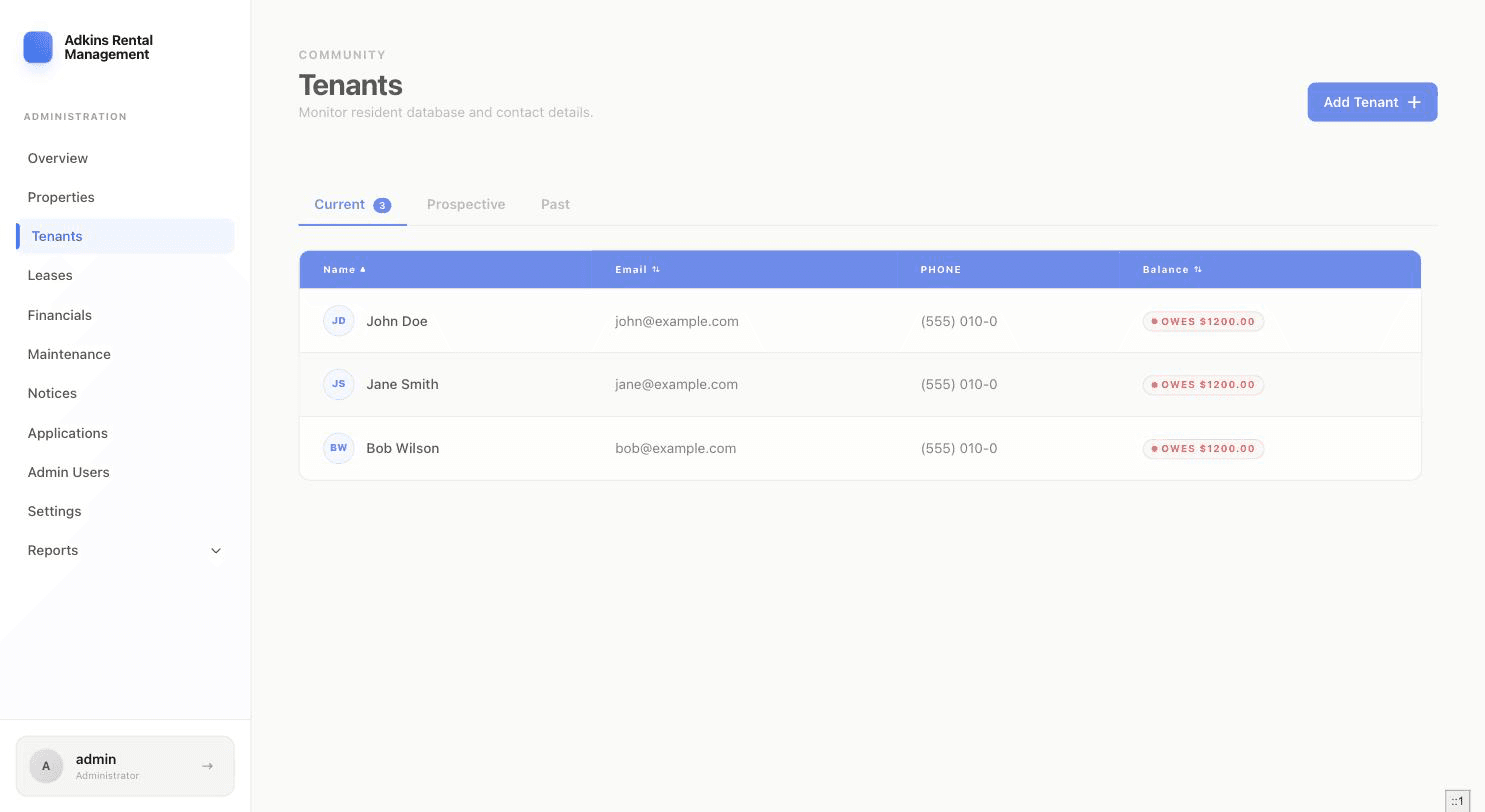
The Tenants page has three tabs — Current, Prospective, and Past — and clicking any row opens a detail panel with everything about that tenant.
What's in the detail panel
Name, email, phone, an Active/Inactive status pill, a balance pill (Current / Owes $X / Credit $X), and — if on file — date of birth, emergency contact, and any private notes you've added.
Actions available on a tenant
- Payment / Credit — quick actions shown only if the tenant has an active lease. See Collecting Rent, Credits, and Late Fees.
- View Portal — opens the tenant's own dashboard in a new tab (active tenants only), so you can see exactly what they see.
- Edit Tenant — update name, email, phone, date of birth, emergency contact, or private notes.
- Lease History — every lease this tenant has ever had, most recent first, each flagged Active/Ended.
- Communication Log — a timeline for logging calls, notices, or documents outside the normal notice/lease flow. Each entry has a type (Notice, Maintenance, Lease, Payment, General), an optional due date, a subject, notes, and an optional attached document (a pasted URL or an uploaded file). Entries with a due date that passes without being addressed show up as "Overdue" — and on your dashboard's Overdue Communications banner.
- Add Late Fee — active-lease tenants only.
- Reset Password — generates a new temporary password, with the option to email it directly.
- Deactivate / Activate — if you try to deactivate a tenant who still has an active lease, RentSystems stops you with a warning and points you to a proper move-out instead (though it does let you deactivate anyway if you explicitly choose to).
- Process Move-Out — the guided 3-step move-out flow.
Tip
"View Portal" is the fastest way to answer "what does my tenant actually see right now?" — it opens their live dashboard in a new tab, not a preview.