Managing Admin Users
Add staff accounts for your business with Admin or Maintenance roles.
Admin Users is for staff accounts on your own business — not tenant logins. You can create two kinds of accounts: full Admin access, or a restricted Maintenance role that only sees the Maintenance page.
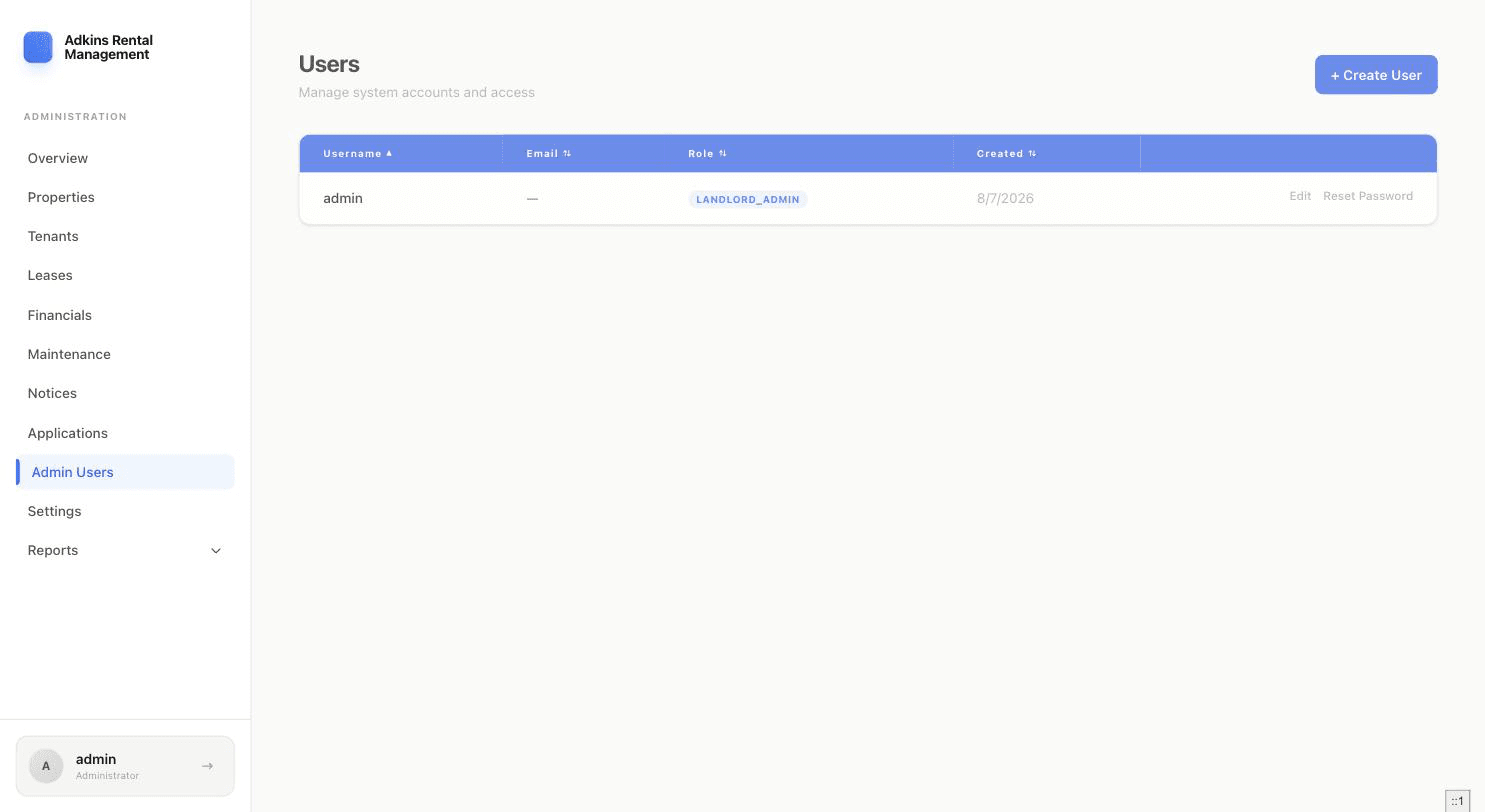
- 1Click + Create UserEnter a Username, Email, and Password. A live checklist confirms your password meets the requirements: at least 12 characters, with uppercase, lowercase, a number, and a special character.
- 2Choose a roleAdmin gets the full sidebar, same as you. Maintenance gets a single-item sidebar and lands directly on the Maintenance page — useful for a handyman or property manager who only needs to see and update repair requests.
- 3SaveThe new user can sign in immediately with the credentials you set.
Editing and resetting
Click a row to edit first/last name, username, or email. The separate Reset Password action sets a new password (same strength requirements) without needing the old one.
Tip
For a Maintenance-role user, there's also an Impersonate action — it opens their exact view in a new tab, which is the fastest way to check they're only seeing what they should.