Lease Renewals and Non-Renewal Notices
Propose a renewal for your tenant to e-sign, or send a formal non-renewal notice.
When a lease is expiring (within 120 days) and still active, its detail panel shows two extra actions: propose a renewal, or send a formal non-renewal notice.
Proposing a renewal
- 1Click Propose RenewalEnter the Proposed Rent. The Proposed End Date is calculated for you — one year out from the current end date (or from today, if the lease is month-to-month).
- 2Attach a document (optional)Paste a Google Drive link to the renewal document if you have one prepared.
- 3Send itLeave "Send email to tenant" checked (the default) so they're notified. The offer now appears on their tenant lease page for them to accept or decline.
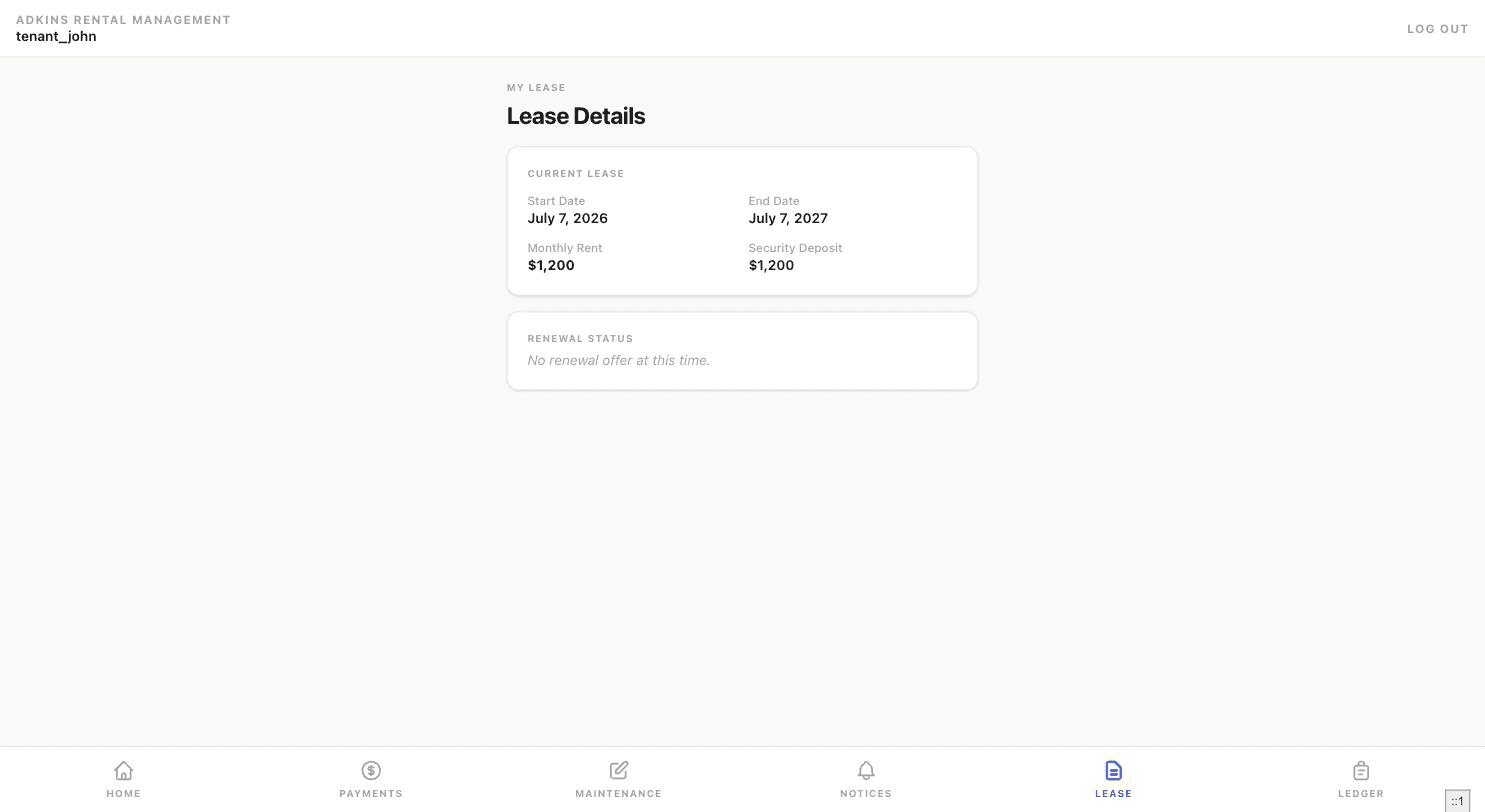
Your tenant accepts by typing their full legal name as an e-signature and clicking Accept, or declines outright. Once they respond, the lease detail panel on your side reflects the new status — including the recorded signature and updated end date/rent if accepted.
Sending a non-renewal notice
Click Send Non-Renewal Notice instead, add optional notes, and choose whether to email the tenant. If a notice was already sent for this lease, the button changes to "Send Again" and warns that it may create a duplicate record — use it only if you actually need to re-send.